
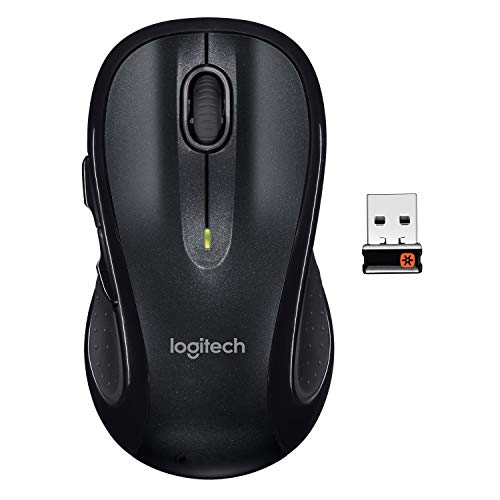
I love wireless technology
but I think it has taken a while for people to adopt wireless technology when it comes to computer accessories. In my cubicle at work I have a laptop with a docking station and a 17” monitor separate from the laptop.
In my line of work in software development, I am oftentimes going to meetings where I need to have my laptop with me to either show the attendees what I am working on or to take notes in the meeting.
Fortunately, within the past 6 months, my company implemented wireless technology within the company so I am always online even while I am walking from my office to a meeting.
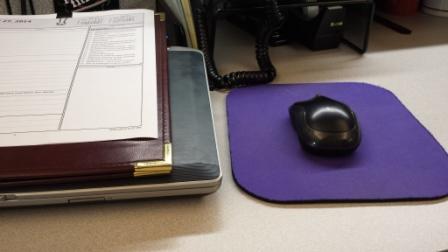
in my office cubicle next to my docking station
About a year ago I purchased a Logitech m225 Wireless Mouse for my computer at work and just recently I purchased a Logitech m510 Wireless Mouse for my netbook that I use at home.
I can’t even find the m225 model that I purchased about a year ago on Amazon anymore so it’s obvious that wireless technology is changing rapidly.
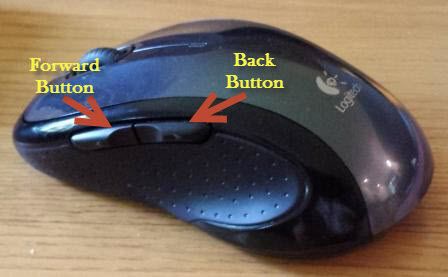
I must say, the m510 model is much more comfortable and versatile than the m225 that I use at work. It has a very comfortable feel to the mouse and it has a rather cool set of back/forward buttons on the side of the mouse for surfing the web or for flipping through photo albums.
I just love the versatility of being able to unhitch my laptop from my docking station and grabbing my mouse as I head off to my next meeting. Just not having to deal with wires at all is so cool in my mind. Check out some of the pictures of my Logitech m510 Wireless Mouse and some of the cool features highlighted.
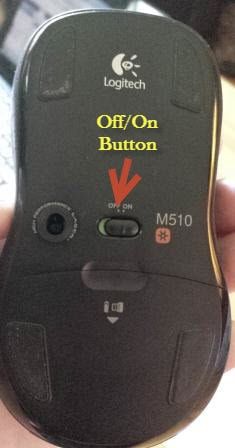
Images of my Logitech Wireless Mouse model m510
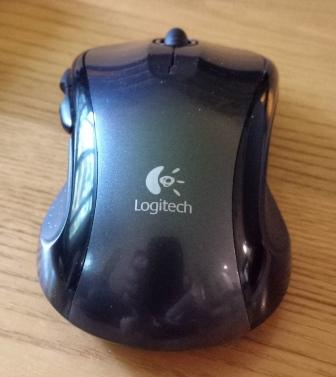


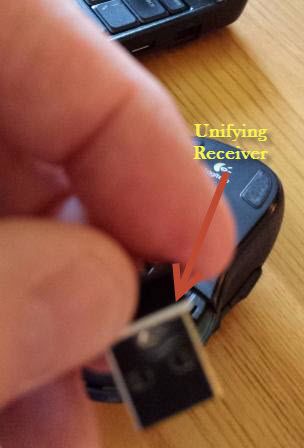
with lid on

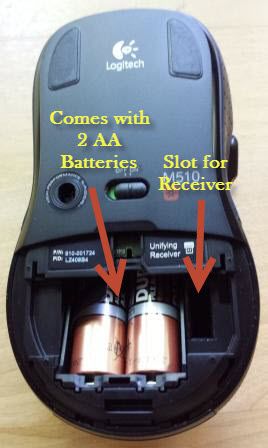
with lid off
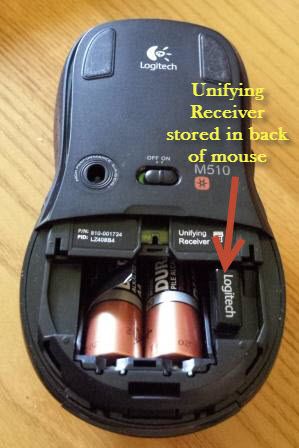
and receiver stored in slot. This feature allows you to safely transport the unifying receiver within the mouse.
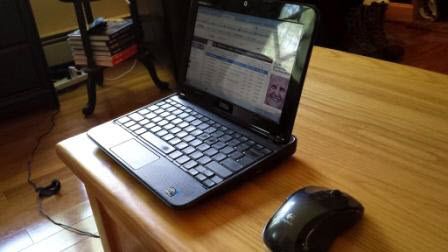
at home with Netbook
Features of the Logitech m510 Wireless Mouse
- Product Dimensions: 4.4 x 2.5 x 1.8 inches
- Item weight: 1.6 ounces
- Shipping Weight: 6.4 ounces
- Ergonomically designed mouse for all-day comfort.
- More control at your fingertips including Back/Forward buttons.
- Two-year battery life and an On/Off switch helps conserve power.
- Tracks with laser precision even on surfaces that typically causes problems.

Wireless technology is here to stay and it’s time for you to adopt it. I have yet to go the wireless keyboard route or the wireless printer route but I know I will get there eventually. If you’d like any more information on the Logitech Wireless Mouse depicted in this article please leave a question in the comments or use my Contact Me page.

Bob writes about office decor and tips and home decor room by room, from accent walls and kitchens to bathrooms and living rooms. He and his wife are constantly renovating their own home in a rustic setting, and a lot of his articles start with a project they’ve actually done—like the cedar accent wall in their bathroom or the black kitchen cabinets. Every photo is a real room, never an AI-generated fake.
He’s been blogging for over 20 years. He started as an office and cubicle writer, launching CubicleBliss in January 2011 and rebranding it as WorkspaceBliss in April 2020 before growing it into the whole home. That office background runs deep: 35+ years as an IT Manager, Applications Engineer, Systems Analyst, and Programmer Analyst, a Certified Microsoft Professional with a Master’s and two Bachelor’s degrees. He’s been featured in US News and World Report, Bustle, and Work Awesome (his articles here).